
⚡ Winamp
The plugin adds a cover window that docks right beside Winamp and follows whichever 24seven.fm station you're tuned to. Start the stream — the artwork is just there, track after track.
The 24seven.fm stations have always shown the current cover on their websites. Your favourite player couldn't — there simply was no plugin. Now there is: for Winamp, for foobar2000, and a standalone viewer for every other way you listen.
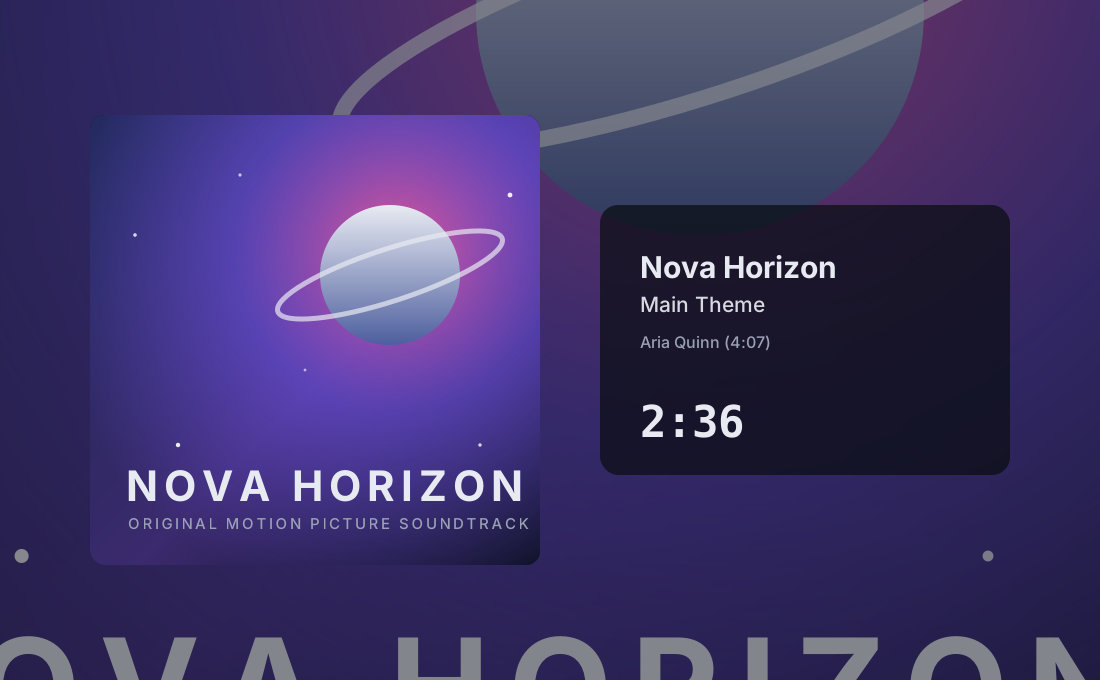
Poster view — the current track, its composer, and the time until the next one.
Small, free, and quiet — it simply shows the music.
The artwork changes the moment the music does — matched to the track, not sometime later.
A live countdown shows how long the current track still runs — rolling digits included, if you like.
A clean cover that fills the window, or a poster view with title and composer — beautiful on a big screen.
The same covers, five ways to get them — Windows apps, your browser, or your phone.
The plugin adds a cover window that docks right beside Winamp and follows whichever 24seven.fm station you're tuned to. Start the stream — the artwork is just there, track after track.

Adds a cover element to your foobar2000 layout — and hands the artwork to foobar's own album-art views too, so it shows up wherever you expect it. Follows the station you're playing, automatically.
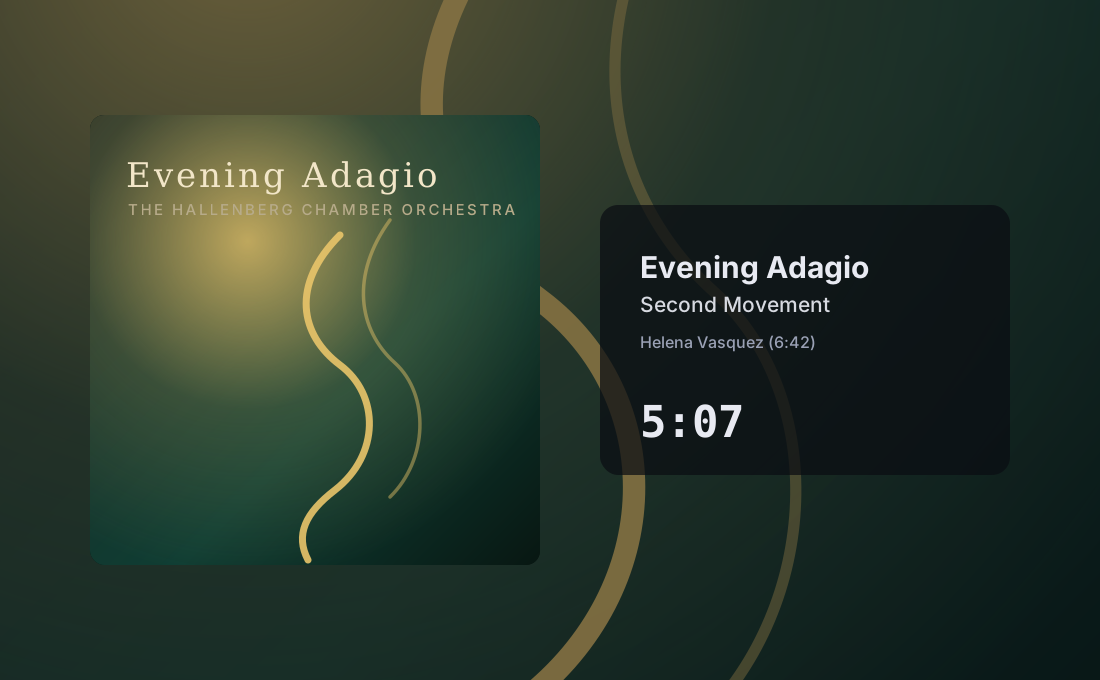
For everyone whose music plays somewhere without a screen — a hi-fi streamer, a Raspberry Pi, a phone on the shelf. Pick your station and let the covers fill a 24-inch monitor on your desk, or project them 120 inches across the wall, in full glory.
The same covers, the same options — and the station's audio stream if you want it, or a silent cover display next to your own player if you don't. Talks directly to the station, works on your phone too.
StreamingSoundtracks in your pocket: the live stream with track titles, composer credits and cover art, where the artwork is the interface. Its own app with its own site — same maker, same love for the stations.
Every download is published with a .sha256 sidecar you can
check it against. Check the release notes for signing details. For signed releases,
Windows shows Open Source Developer Philipp Kursawe as the publisher.
Head over to the issue tracker on GitHub and tell us what happened — questions, ideas and wishes are just as welcome as bug reports.